
How to Find Shelby County Court Dockets
Dockets live with the court that holds the case, so the search starts with the court type. For criminal matters, the General Sessions homepage links "Find Your Court Date (Criminal Division)" to the Criminal Justice System portal. For civil matters, it links "Find Your Court Date (Civil Division)" to the General Sessions calendars. Circuit and Chancery dockets come through their clerks. The General Sessions Court Clerk site is the main public hub for session calendars and case-date links.
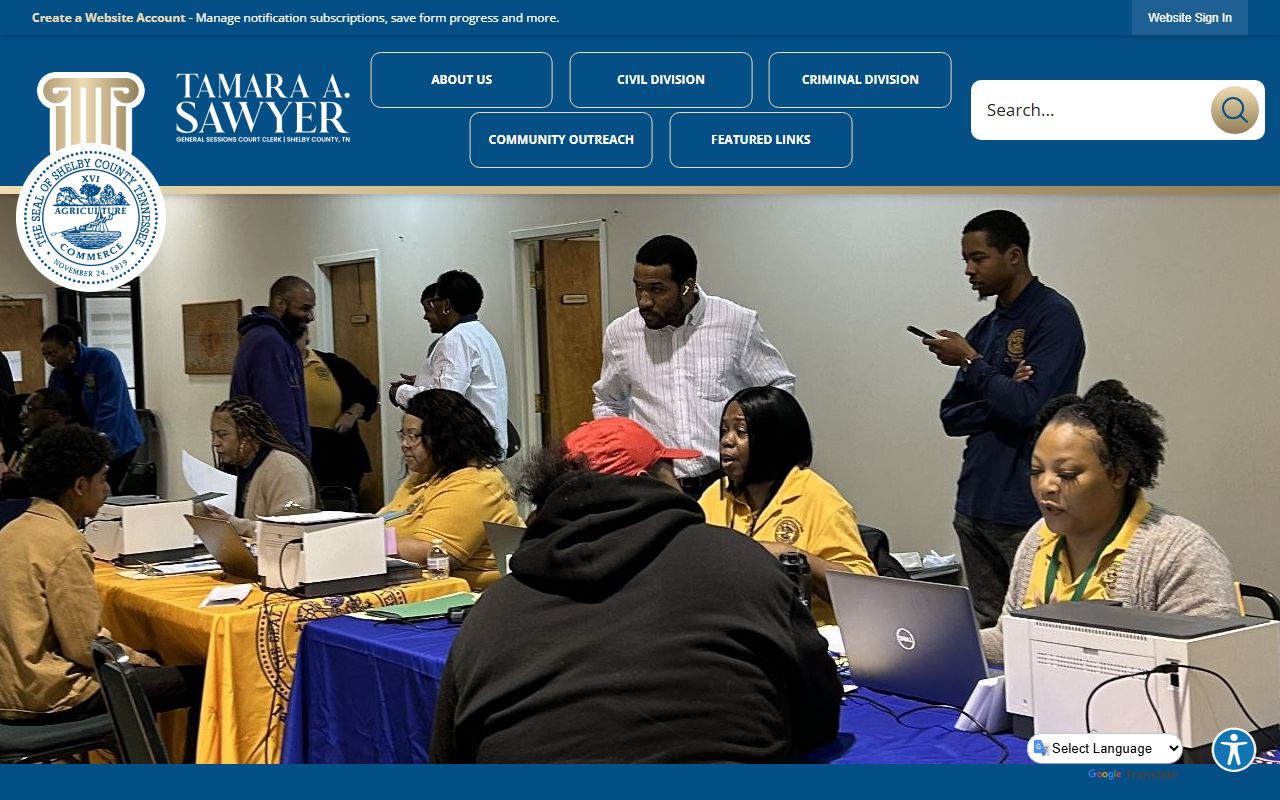
The General Sessions homepage groups the civil and criminal court-date links in one place, which makes it the easiest first stop for a docket search.
- Decide whether the case is criminal or civil and which court holds it.
- For criminal court dates, use the link to the CJS portal and sign in.
- For civil court dates, open the General Sessions calendars page.
- Search by case number, party name, or hearing date.
- Confirm the courtroom, division, and time before you appear.
What a Shelby County Court Docket Shows
A docket reads as a timeline. Each line is one event, listed in date order, from the first filing to the final order. It tells you what happened and what comes next. The fields below show the kind of entries you will see on a Shelby County docket, whether it is a civil suit or a criminal case.
| Docket Entry | What It Shows |
|---|---|
| Complaint / affidavit filed | The event that opened the case. |
| Summons / service | Notice sent to a party and proof it was delivered. |
| Motion filed | A written request for the court to rule on something. |
| Hearing set | Date, time, courtroom, and division for the next appearance. |
| Order / judgment | The judge's ruling or final decision. |
| Disposition | How the case or charge ended. |
Criminal dockets add events such as bond, indictment, plea, and sentencing. Note: a docket lists events, but the full documents behind those events may need a separate copy request from the clerk.
Search by Case Number or Party Name
The strongest search uses a case number. Criminal Court numbers may begin with the letter C, and the format is eight characters, a dash, then eight more. If you do not have a C-number, the system may ask for an indictment number and a booking number. When you only have a name, search by the party's last and first name and narrow by date if the tool allows.
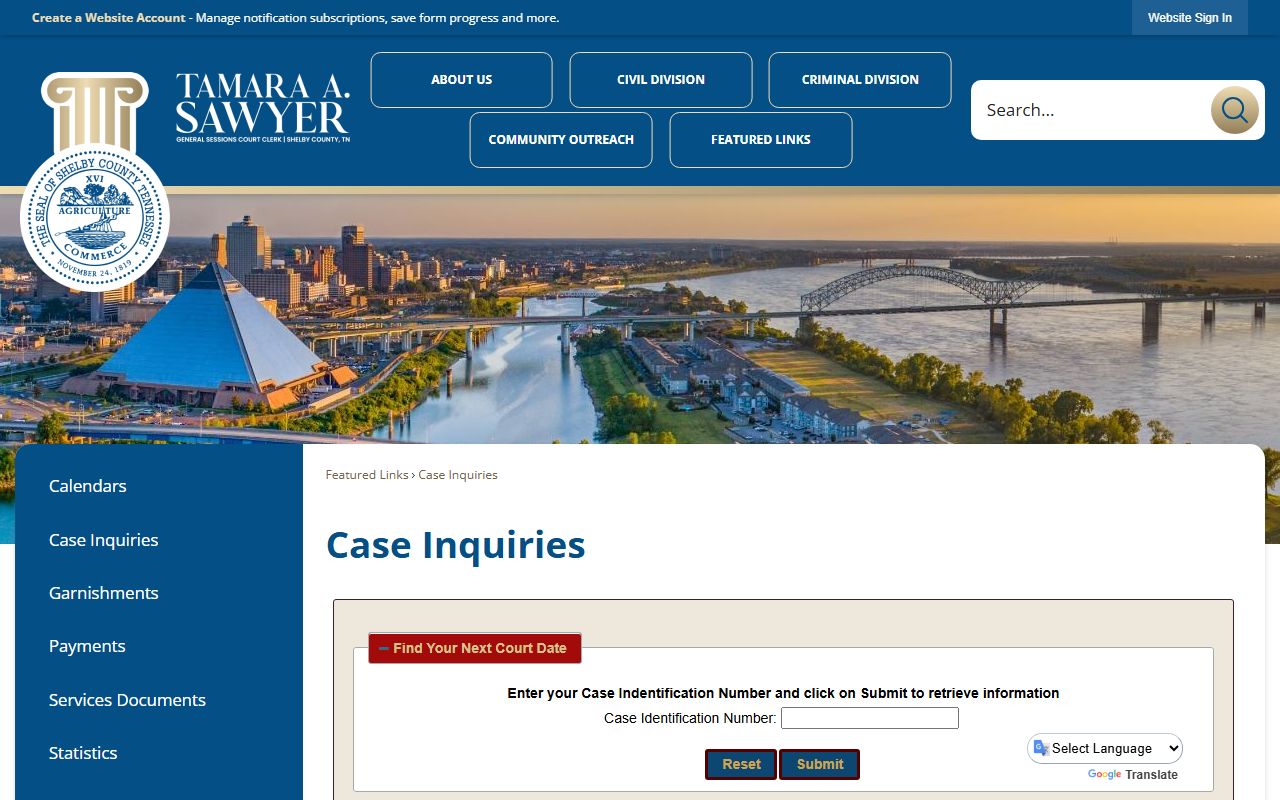
The General Sessions case inquiries page points criminal court-date searches to CJS and civil searches to the calendars, so it helps to know which division you need first.
Criminal Court Dockets and Smart Search
Criminal Court dockets run through the Criminal Justice System portal. The official Criminal Court page says registration and sign-in are needed to search case information, and it refers payment users to a Smart Search tool to find the case they want to pay. In the research environment, the CJS portal was blocked by Cloudflare, so access can depend on your network and a valid account.
If you cannot reach CJS, contact the Criminal Court Clerk for help with a docket or hearing date. General Sessions Criminal handles misdemeanors, preliminary hearings, and traffic, and those court dates also route through the CJS criminal-division link.
General Sessions Calendars
General Sessions publishes civil calendars online. These calendars show the cases set for each session, which helps parties confirm a date without a full case search. The General Sessions calendars page is linked directly from the clerk's homepage under the civil court-date option.
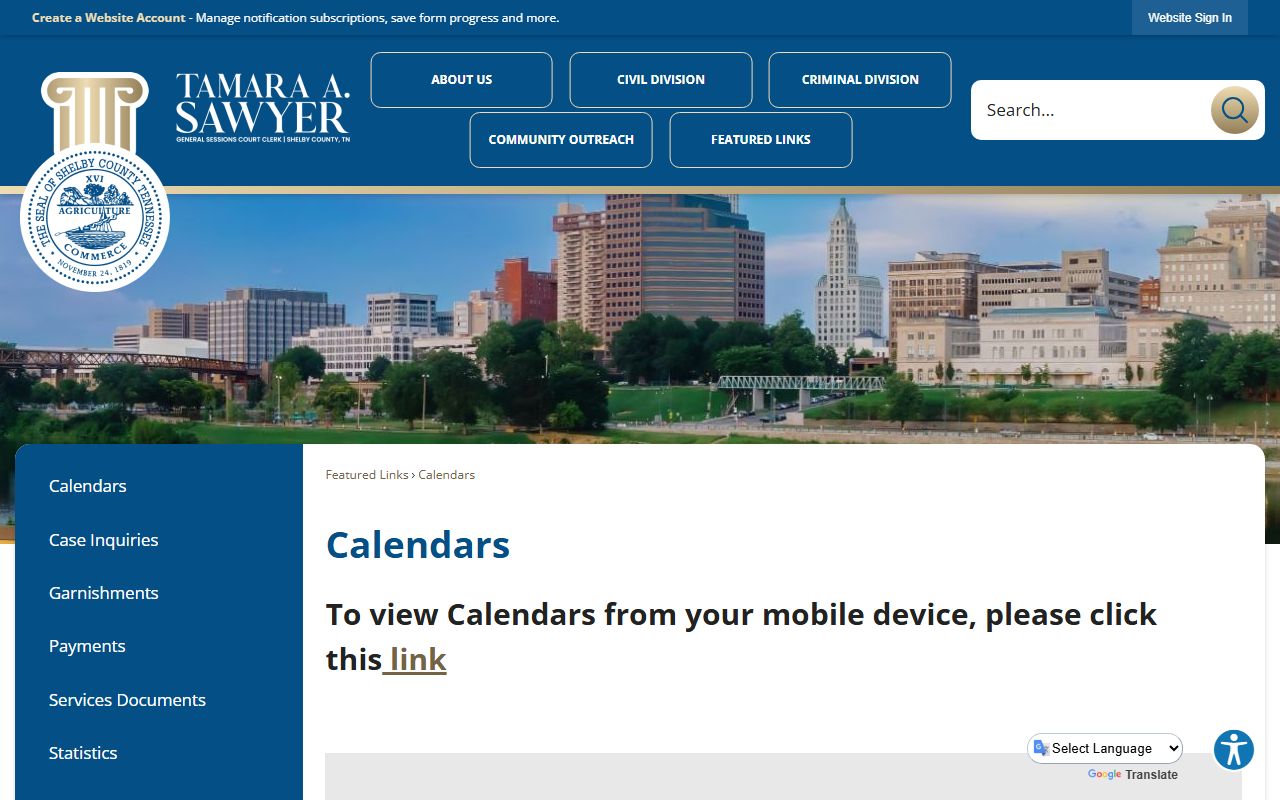
The calendars page is the civil counterpart to the CJS criminal-date link, and it is the quickest way to check a civil session date.
The General Sessions Civil Division sits at 140 Adams Avenue, Room 106, while the Criminal Division is at 201 Poplar, Suite LL-81. Knowing the division helps when a calendar lists a courtroom number.
Circuit and Chancery Docket Availability
Circuit Court civil and domestic dockets run through the Circuit Court Clerk and, when available, the CourtConnect system. On May 26, 2026, CourtConnect returned a "system is not available" message, so the online docket may not always load. When that happens, the clerk can confirm a hearing date by phone. Chancery Court keeps its own docket through the Clerk and Master and has reopened limited Rule 10 motion and uncontested divorce dockets with online request forms.
Chancery also runs a weather policy that tracks Memphis-Shelby County Schools for the first closure day, and some matters may proceed by Zoom even when the building is closed. Always confirm a Chancery setting with the Clerk and Master if weather is a factor.
Court Forms and Self-Help for Dockets
People who appear on their own often need the right form before a court date. General Sessions posts a set of public forms that cover common civil and criminal filings. The General Sessions forms page is a good resource for parties handling a matter without a lawyer.
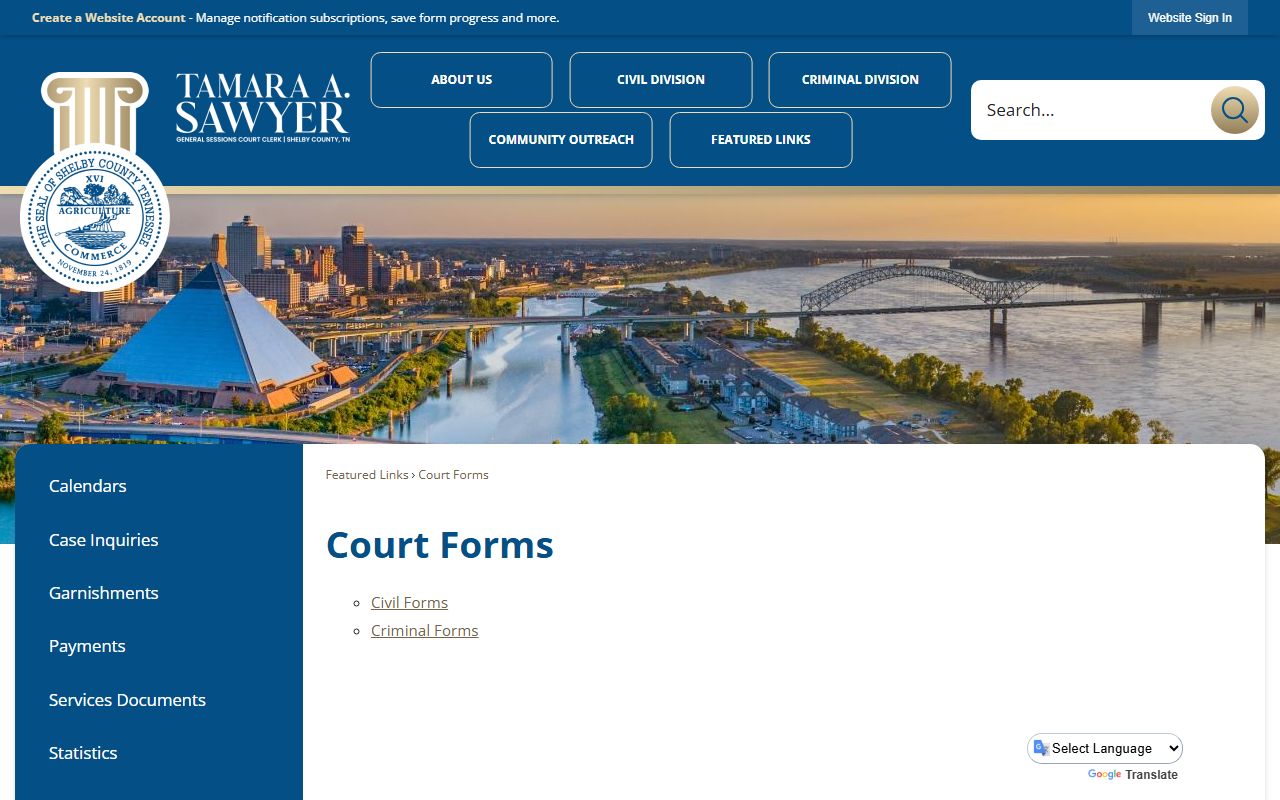
Having the correct form ready before your docket date can keep a case from being continued. The forms page also links the General Sessions expungements process for eligible misdemeanor matters.
Hearing Dates and Court Divisions
A docket entry usually names a division along with the date and time. Shelby County courts run many numbered divisions, and the division tells you which judge and courtroom you need. Circuit Court has nine divisions. Criminal Court and General Sessions also run numbered divisions, and the District Attorney's vertical teams are organized around them. So a single line like "set in Division 9" carries real meaning about where to go.
Divisions also signal the kind of matter. General Sessions Division 10 by law has exclusive jurisdiction over domestic violence cases, and Division 9 functions as a Mental Health Court. Veterans Court sits in Division 15 at 201 Poplar. When a docket lists one of these divisions, expect the specialty rules and schedule that go with it. If a calendar entry is unclear, the clerk for that court can confirm the room and the time.
Note: hearing times can move, so check the docket again the day before you appear in case a continuance or reset has been entered.
How to Read a Shelby County Docket Line
Docket lines pack a lot into a short row. Reading them in order makes a case easy to follow. Use these steps to work through a Shelby County docket from top to bottom.
- Start at the earliest date and read down. The first line is usually the complaint or affidavit.
- Track each motion and the order that answers it.
- Find the most recent hearing entry to see the next court date.
- Look for a disposition line to see if the case has ended.
- Note any bond, judgment, or warrant entry that may need follow-up.
If a line uses a term you do not know, check the glossary below or ask the clerk. Reading the docket in order keeps you from missing a reset date.
Docket Entry Glossary
Docket lines use short legal terms. A few come up again and again. The list below defines the ones that confuse people most when they read a Shelby County docket.
- Continuance
- A postponement of a hearing to a later date.
- Default judgment
- A ruling entered when a party fails to respond or appear.
- Disposition
- The final outcome of a case or charge.
- Capias
- An order to take a person into custody.
- Bench warrant
- A warrant a judge issues, often for failure to appear.
How Dockets Differ from Full Case Records
A docket is an index of events. A full case record is the set of documents behind those events. The docket might show "motion filed," but to read the motion you may need a copy from the clerk. The table below compares the two so you know which one to request.
| Point | Court Docket | Full Case Record |
|---|---|---|
| Content | List of events and dates | The filed documents themselves |
| Best for | Finding a hearing date or status | Reading orders, judgments, pleadings |
| How to get it | Online calendar or case inquiry | Clerk copy request, often with a fee |
For the document side, see the Shelby County court records page, which covers copy requests and fees.
When Shelby County Dockets Are Restricted
Most dockets are public, but some are not. Juvenile dockets are restricted under state law. Sealed cases and protective-order matters do not appear in the public view under Tennessee Supreme Court Rule 34. Adoption and certain mental-health matters are also limited. If a case does not show up, it may be sealed, restricted, or simply not yet uploaded, so contact the clerk before you assume it does not exist.
Online systems can also lag. A filing made today may not post for a day or two, and a CourtConnect outage can hide a docket that still exists. When the case matters for a deadline, confirm the date directly with the clerk rather than trusting the online view alone.